Every plugin format
CLAP, VST3, Audio Units and LV2 from a single compile, plus a standalone app with its own audio.
Write the DSP once in C++ and ship it as CLAP, VST3, Audio Unit, LV2 and a standalone app. A skill and an MCP server give Claude Code, Codex and Cursor the real API, so your agent stops guessing.
Features
And nothing it doesn't: no framework runtime, nothing to install, and our own code from the DSP to the format wrappers.
CLAP, VST3, Audio Units and LV2 from a single compile, plus a standalone app with its own audio.
The same DSP also compiles to WebAssembly, so a live preview is the shipped plugin, not a model of it.
sonore_add_plugin(MyPlugin
  SOURCES plugin.cpp
  CLAP MyPlugin  VST3 MyPluginVST3
AU MyPluginAU LV2 MyPluginLV2)CMake helpers do the bundling. Build it in your tree, or find_package an installed SDK.
Compressors, circuit-solved drives, tape, reverbs and metering, written from the published maths.
A software-rasterised editor with no browser process, or your own HTML in the OS webview.
Notes in, MIDI out and per-note expression. The process signature you write decides which; there is no flag to set.
494 KB
a whole plugin, every format and its editor
0 allocs
on the audio thread, from 8 kHz to 384 kHz
10
pluginval strictness the templates pass as generated
Agentic
An agent fails on an unfamiliar C++ library by inventing a name that sounds right. Sonore hands it the real ones: install the skill and the MCP server for yours.
ChatGPT, Claude Code, Cursor, Antigravity and any MCP client
---
name: sonore-sdk
description: Writes, extends and debugs
audio plugins on the Sonore SDK…Claude Code, Codex, Cursor and Antigravity learn the workflow: look a name up before writing it, start from a generated project, run pluginval before calling it done.
› sonore_search ladder
LadderFilter   sonore/dsp.h
DiodeLadder    sonore/va_filters.h
› sonore_search CompressorPro
Nothing in the SDK matches "CompressorPro".Six tools that answer from the headers. An empty search is a real answer, not a cue to invent a class that sounds right.
$ curl https://sonore.dev/llms-full.txt
# 270 headers · 726 public typesllms.txt is the map and llms-full.txt names every public type. Both are generated from the headers, so neither describes code that isn't there.
Showcase
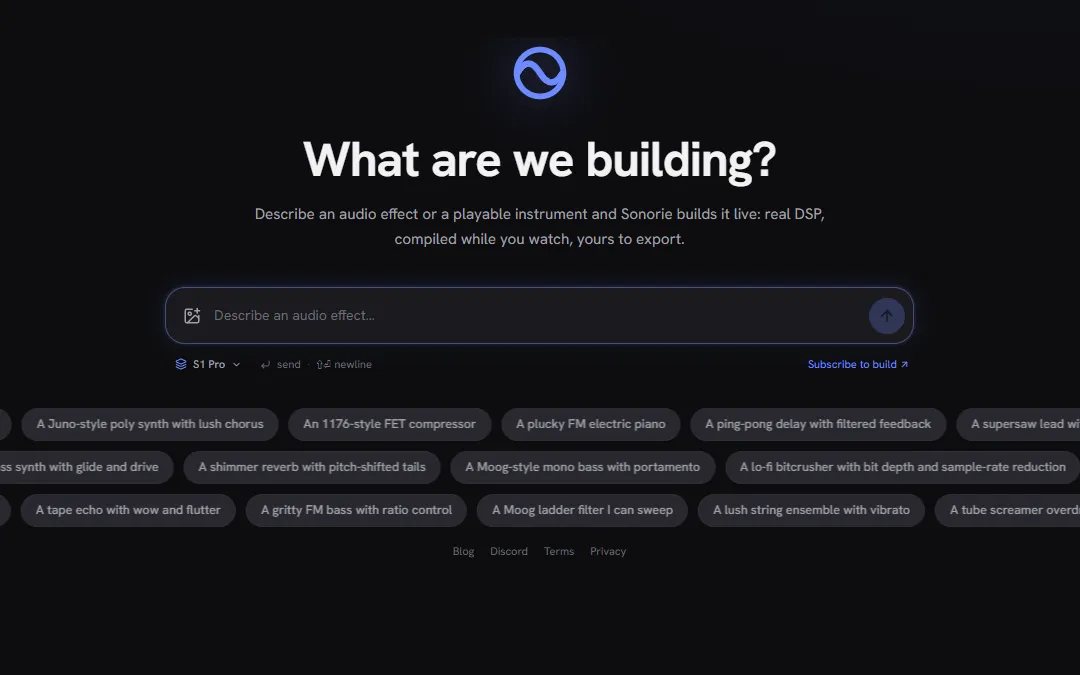
Describe an effect or a synth and hear it a minute later. Every plugin Sonorie generates is built on Sonore.
Complete projects to start from: plugins that build in every format, and a desktop app.
$ cmake -S sdk -B sdk/build
$ cmake --build sdk/build --config Release
# SonoreSaturator.clap  vst3/SonoreSaturatorVST3.vst3
# SonoreSaturatorLV2.lv2 SonoreSaturatorAppShow it in the Discord. We'd like to put it here.
Licence
Apache-2.0 with its patent grant. Put it in closed-source, commercial plugins; what you build on it is yours to license.
Formats have terms of their own: shipping VST3 commercially means Steinberg's agreement, AAX needs Avid's. Third-party notices